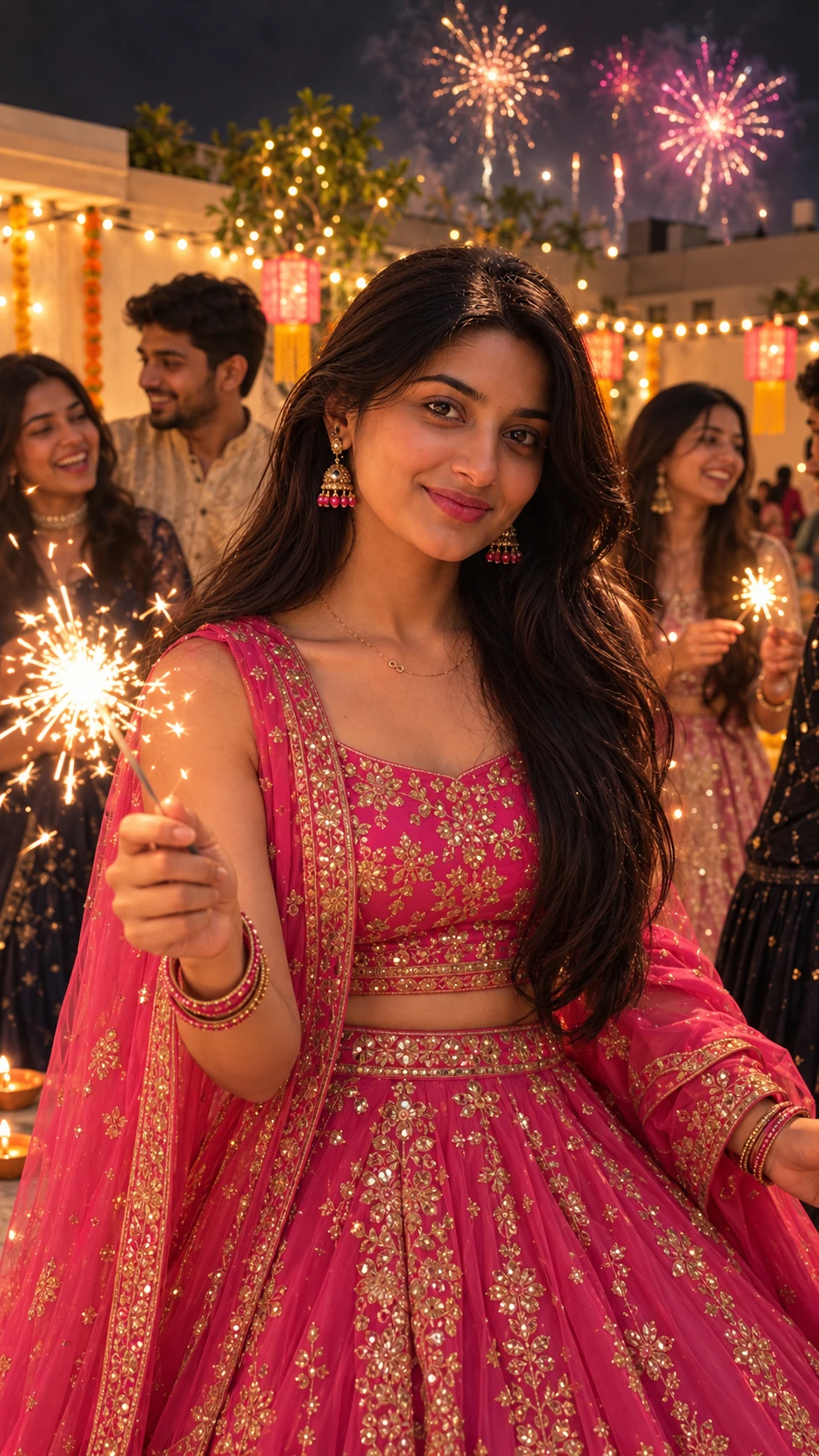
Soft diffused natural daylight
Cinematic teal and orange film grade with authentic skin tones
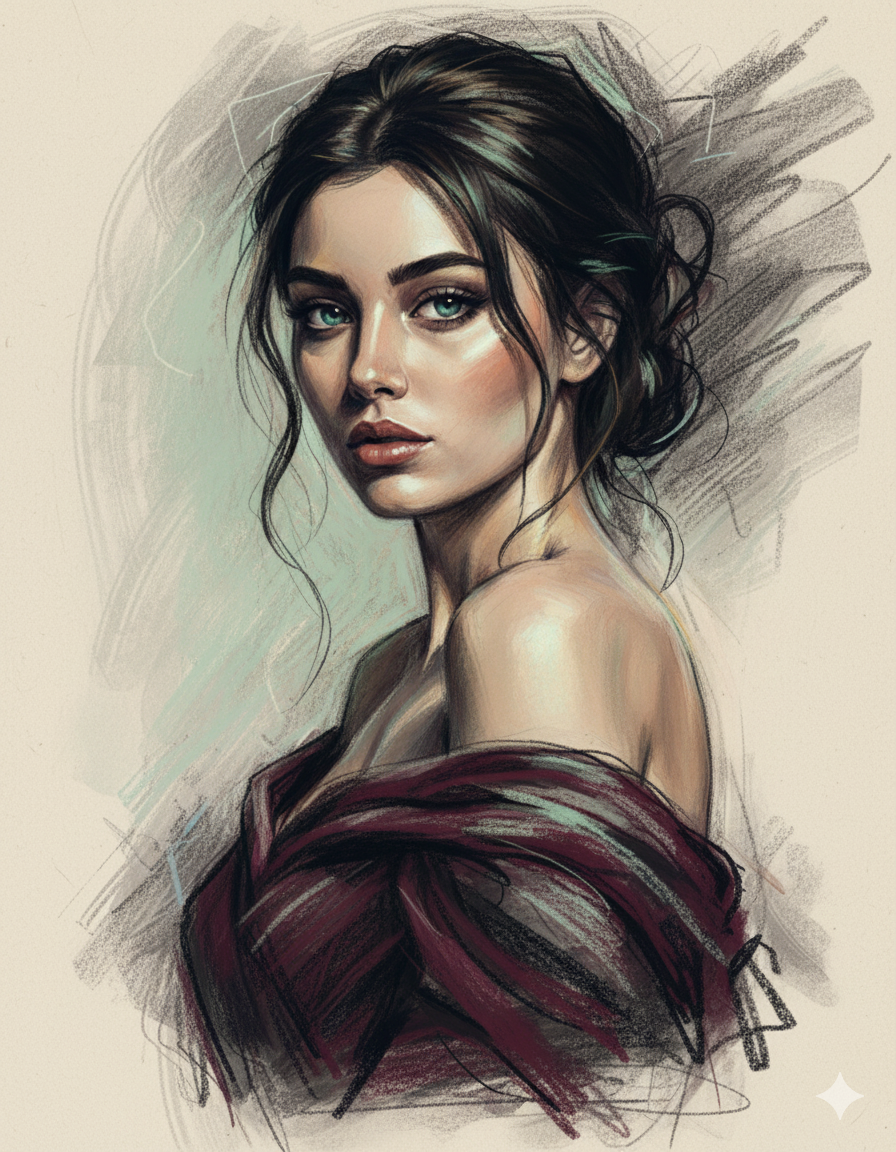
Emerald Gaze in Shadow Cartoon AI Photo Prompt for Girls
Edit this image to transform it into an expressionist charcoal sketch of a stunning woman with piercing blue-green eyes that shimmer like ocean depths. Create the artwork with bold, passionate, and soulful charcoal strokes that dance between control and abandon. She's captured in a dynamic pose—head turned slightly over her bare shoulder, chin subtly lifted, eyes gazing directly at the viewer with penetrating intensity that's both inviting and guarded. Her features are delicately powerful—high cheekbones, full lips rendered with sensual charcoal lines, a graceful neck that flows like a swan's. The strokes defining her face are confident yet tender, with areas of intense darkness contrasting against luminous, barely-touched paper that creates her highlighted features. She wears a flowing, off-shoulder draped fabric in deep burgundy and charcoal tones that cascades around her collarbone, the texture suggested through sweeping, gestural strokes that imply silk or fine cotton. The lighting is moody and cinematic: warm golden light from the right side kisses her cheekbone, the bridge of her nose, and the curve of her shoulder, while deep violet-tinged shadows pool in the hollows of her collarbones and along her neck. Subtle touches of sage green and aquamarine are woven into the charcoal medium—most prominently in her captivating eyes, but also as ghost-like accents in her dark, loosely rendered hair that appears to move with invisible wind. Her hair is suggested rather than detailed—wild, expressive strokes that create volume and movement, some strands sharply defined while others dissolve into abstract marks. A few loose tendrils frame her face, drawn with delicate precision. The tall vertical composition creates a sense of elegance and timelessness, with intentional breathing room above and below her figure. The background is alive with emotional energy—explosive charcoal marks in the upper right suggesting turmoil or passion, transitioning to soft, meditative tones in the lower left. Include visible texture: paper grain showing through, smudged areas where fingers dragged across wet charcoal, and strategic erasing that creates ethereal highlights. The overall atmosphere is one of haunting beauty—vulnerability wrapped in strength, softness containing fire—a portrait that captures the full spectrum of feminine emotional depth in the tradition of André de Dienes' iconic dramatic portraiture.
How to use this photo prompt
- 1Copy the prompt above: Tap the purple "Copy Custom Prompt" button above to copy the full personalized prompt text to your clipboard.
- 2Open ChatGPT or Google Gemini: Click "Open ChatGPT" or "Open Google Gemini" above. It will launch the AI tool with the prompt pre-configured.
- 3Upload your reference photo: Attach a clear, well-lit front-facing selfie of yourself. Make sure your face is centered and not obstructed by heavy shadows or sunglasses.
- 4Paste the prompt and generate: Paste the prompt into the chat box. The model will analyze your facial geometry and render the festive attire, background lighting, and cinematic atmosphere around you.
- 5Regenerate for fine-tuning: If the initial output is not 100% exact, regenerate once or twice. Small changes in descriptive wording or requesting "enhance eye sharpness and skin realism" shift the output quality dramatically.
Tips for a better result
Removing background clutter from the edges of your source photo beforehand usually beats asking the AI model to erase it during generation.
Adding negative keywords like "no watermark, no extra limbs, no plastic skin, no distorted fingers" at the end eliminates 95% of stray AI artefacts.
If the model alters your natural appearance, prepend: "Strictly preserve original facial likeness, eye contour, and nose geometry of the reference picture."
Specifying vertical 9:16 aspect ratio ensures your output fits Instagram Profile Pictures, WhatsApp Status, and Reels covers without any black bars.
Who this cartoon prompt suits
This one works especially well for girls. It suits Instagram posts, profile pictures (DP), festive stories, and WhatsApp display photos, and it holds up with pristine sharpness on both high-DPI smartphone screens and desktop displays.
What makes this cartoon style work
Three fundamental elements do most of the heavy lifting in this visual formula:
- The lighting is described precisely rather than left to chance: Instead of generic words like "bright", specifying ambient festive Diya illumination, directional golden rim lighting, and bokeh gives the scene authentic atmospheric depth.
- The framing and camera angle are stated up front: An 85mm portrait prime lens at f/1.4 aperture maintains realistic bodily proportions, avoiding the wide-angle facial distortion typical of amateur phone snapshots.
- The finish — grain, contrast, and colour grade — is spelled out at the end: Describing Kodak Portra film warmth, subtle dynamic range, and authentic South Asian skin texture separates a flat digital AI render from something that looks deliberately shot by a high-end editorial photographer.
[Subject Identity] + [Setting & Attire Details] + [Lighting & Ambient Bokeh] + [Lens & Camera Angle] + [Film Texture & Color Finish]
You can reuse this exact structure for your own creative concepts. Keep the sentence order identical and swap the descriptive keywords. Prompts engineered this way behave far more reliably than long unstructured paragraphs.
Multilingual Instructions (English / हिंदी / اردو)
Switch language to read the complete guide in your preferred regional language
Step-by-Step
- Customize your name and variables in the fields above.
- Click 'Copy Custom Prompt'.
- Open Chatgpt and attach your reference face photo.
- Paste the copied prompt and send!
Pro Likeness Tips
- Crop your source photo beforehand to center your face.
- Add 'keep original face likeness intact' if likeness shifts.
- Use 9:16 vertical ratio for optimal DP and Reels format.
Photography Theory
Balanced natural warm lighting with high dynamic range and true-to-life desi skin tones.
Frequently Asked Questions
More prompts like this
Browse every cartoon prompt in this collection, or discover newest trending styles
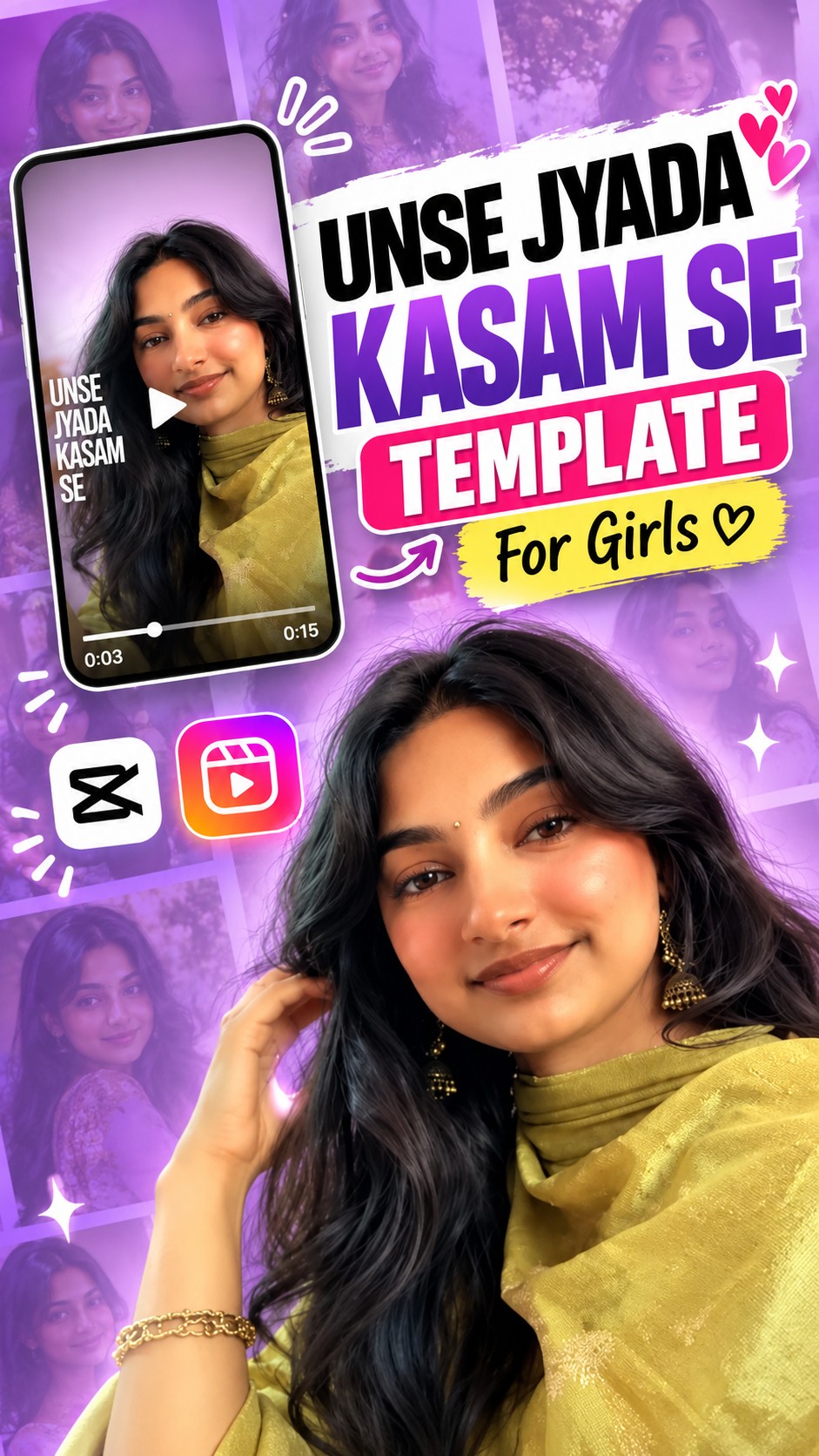
Unse Zyada Kasam Se Viral Template For Girls
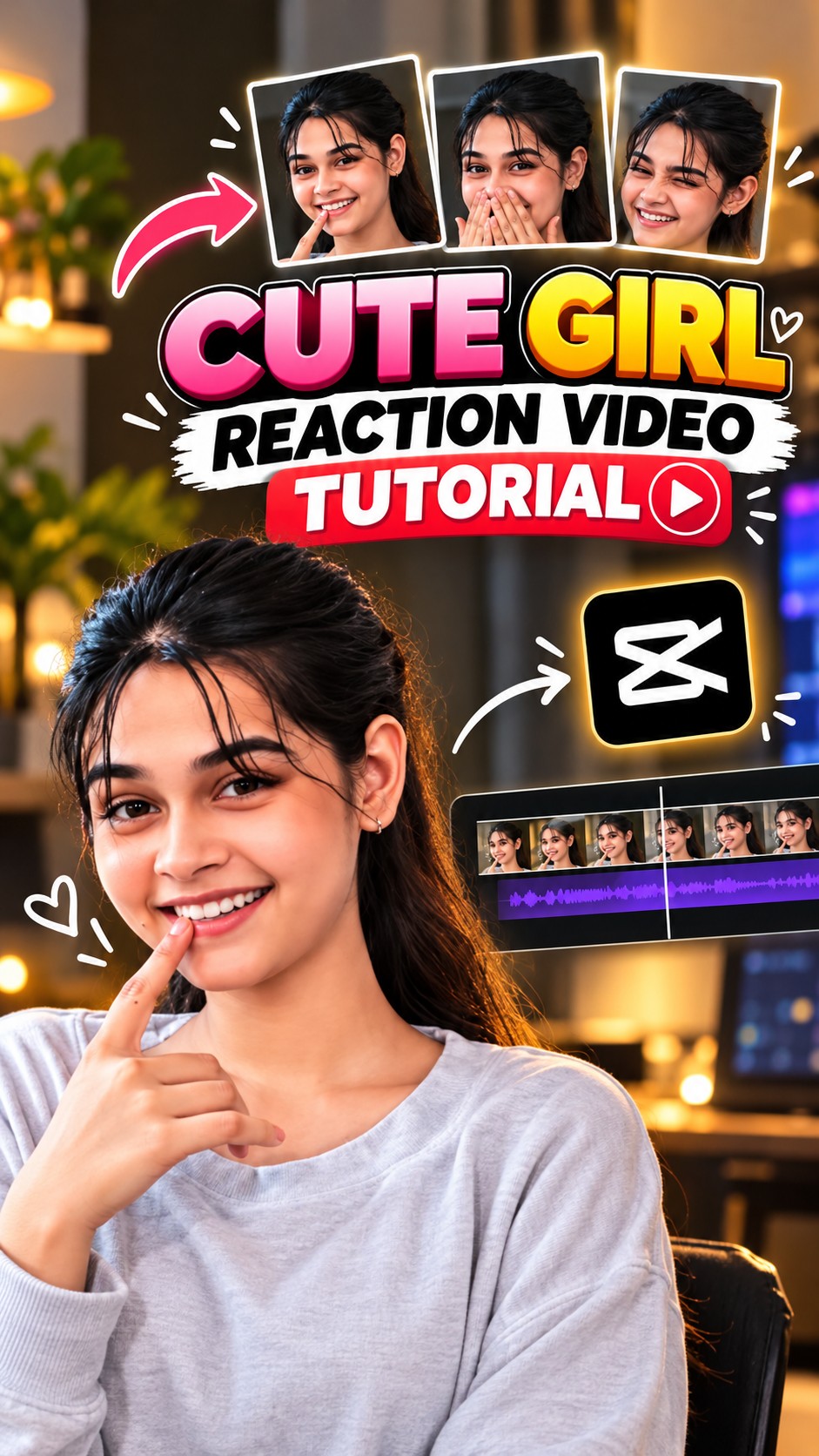
Cute Girl Reaction Template: Create Trending AI Reaction Photos
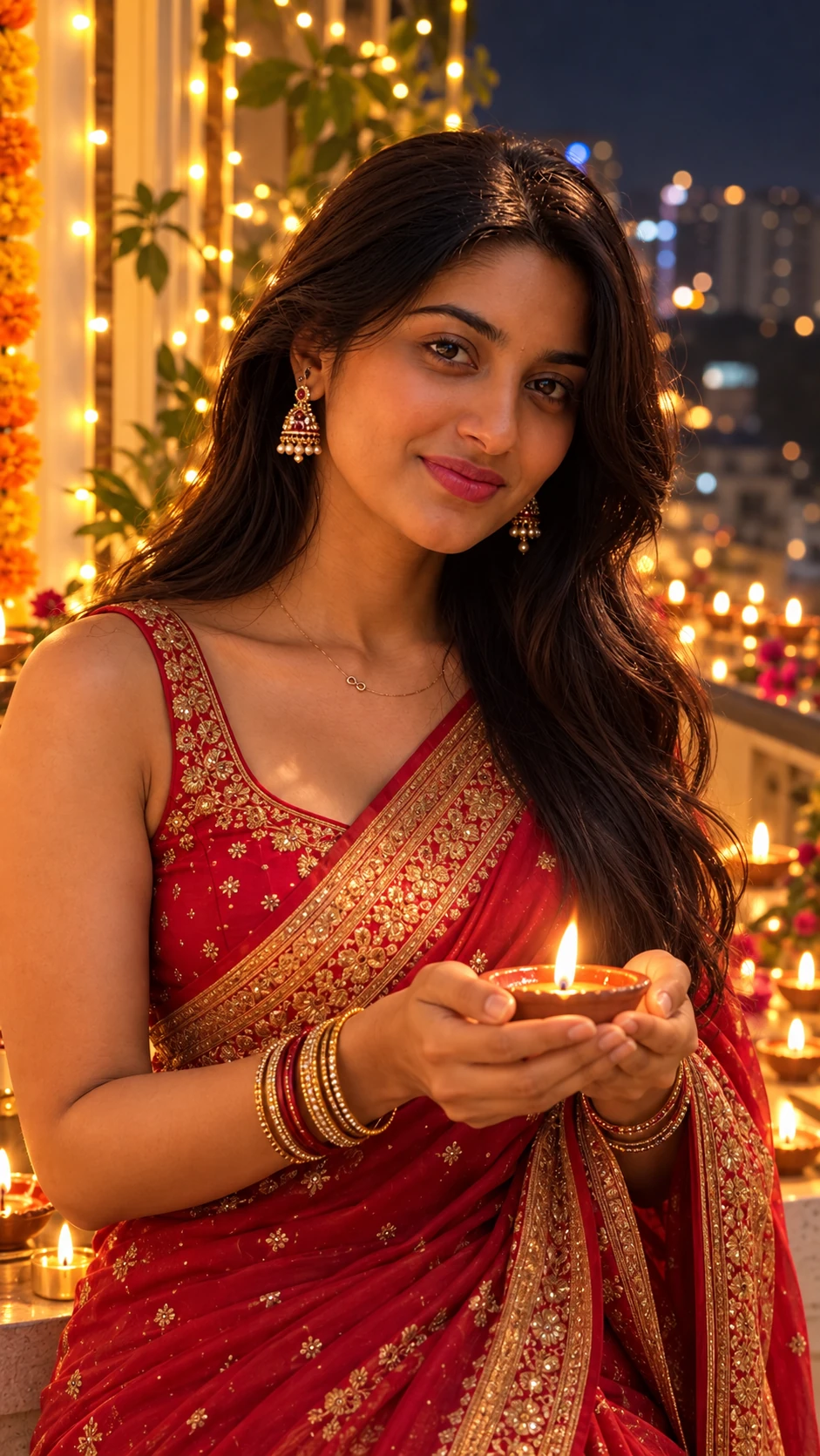
Diwali Night Diya in Hands AI Photo Prompt for Girls
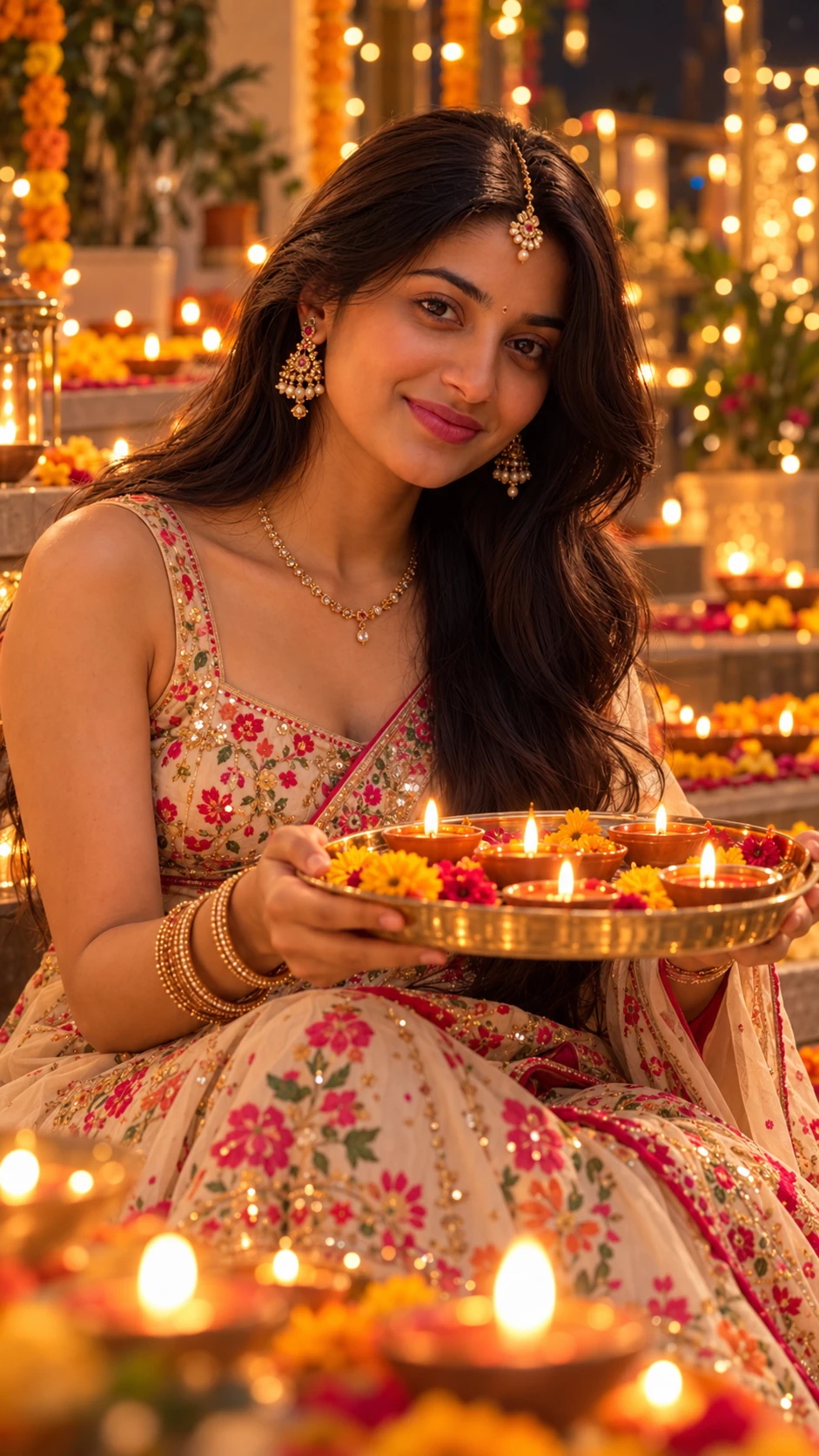
Traditional Diwali Look with Maang Tikka AI Photo Prompt
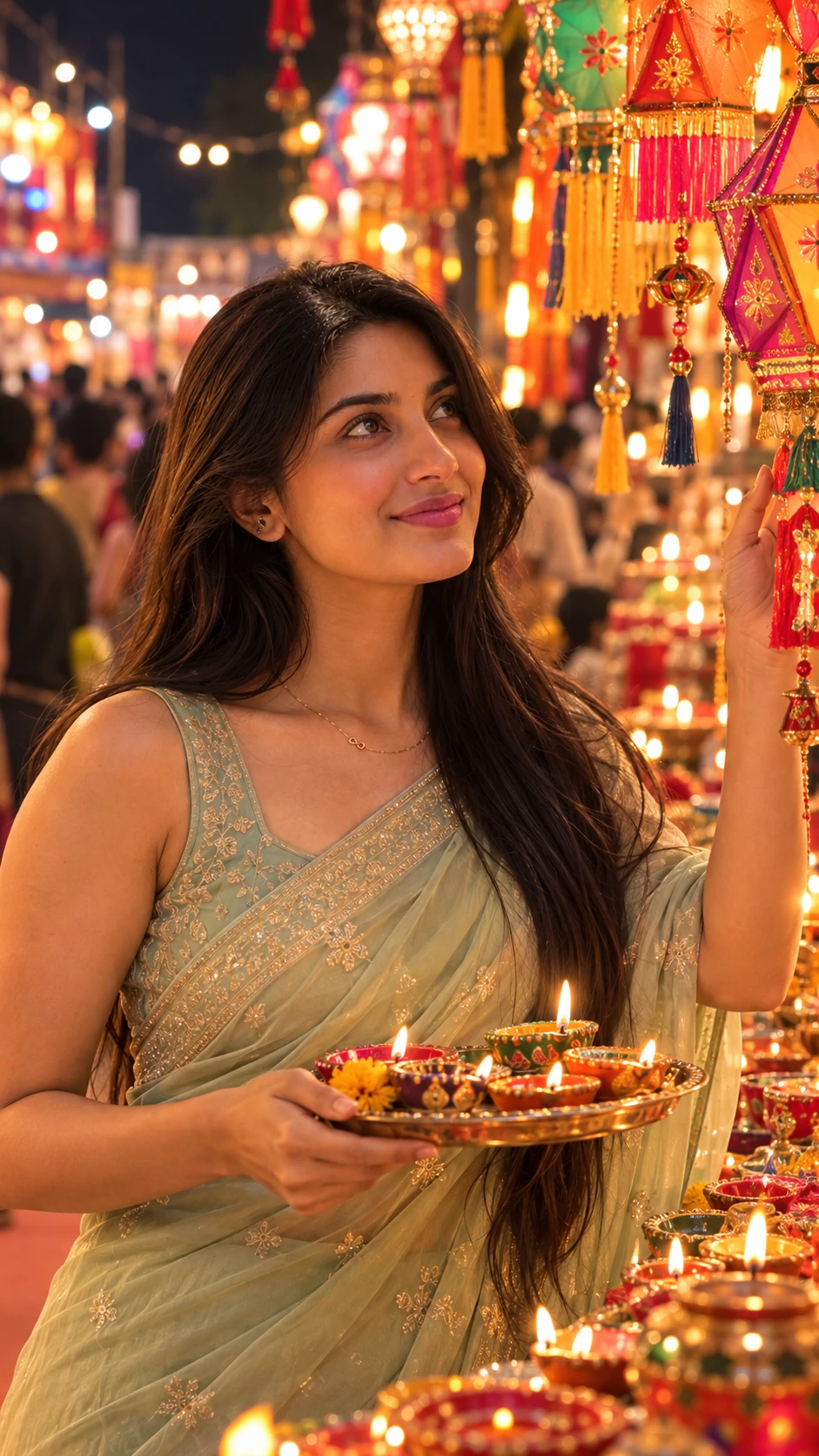
Pastel Green Saree Diwali Market AI Photo Prompt for Girls
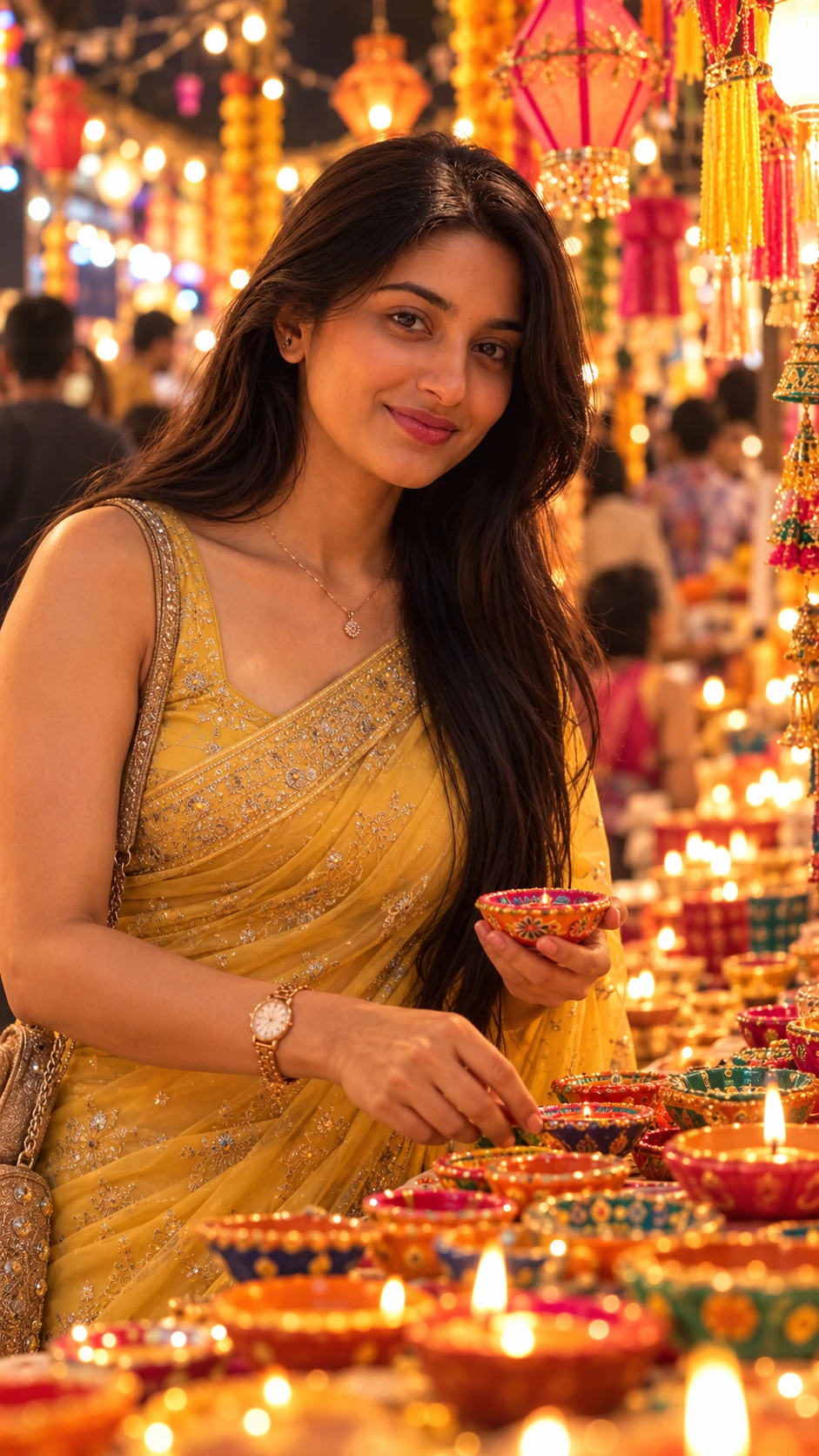
Yellow Saree Diwali Market AI Photo Prompt for Girls
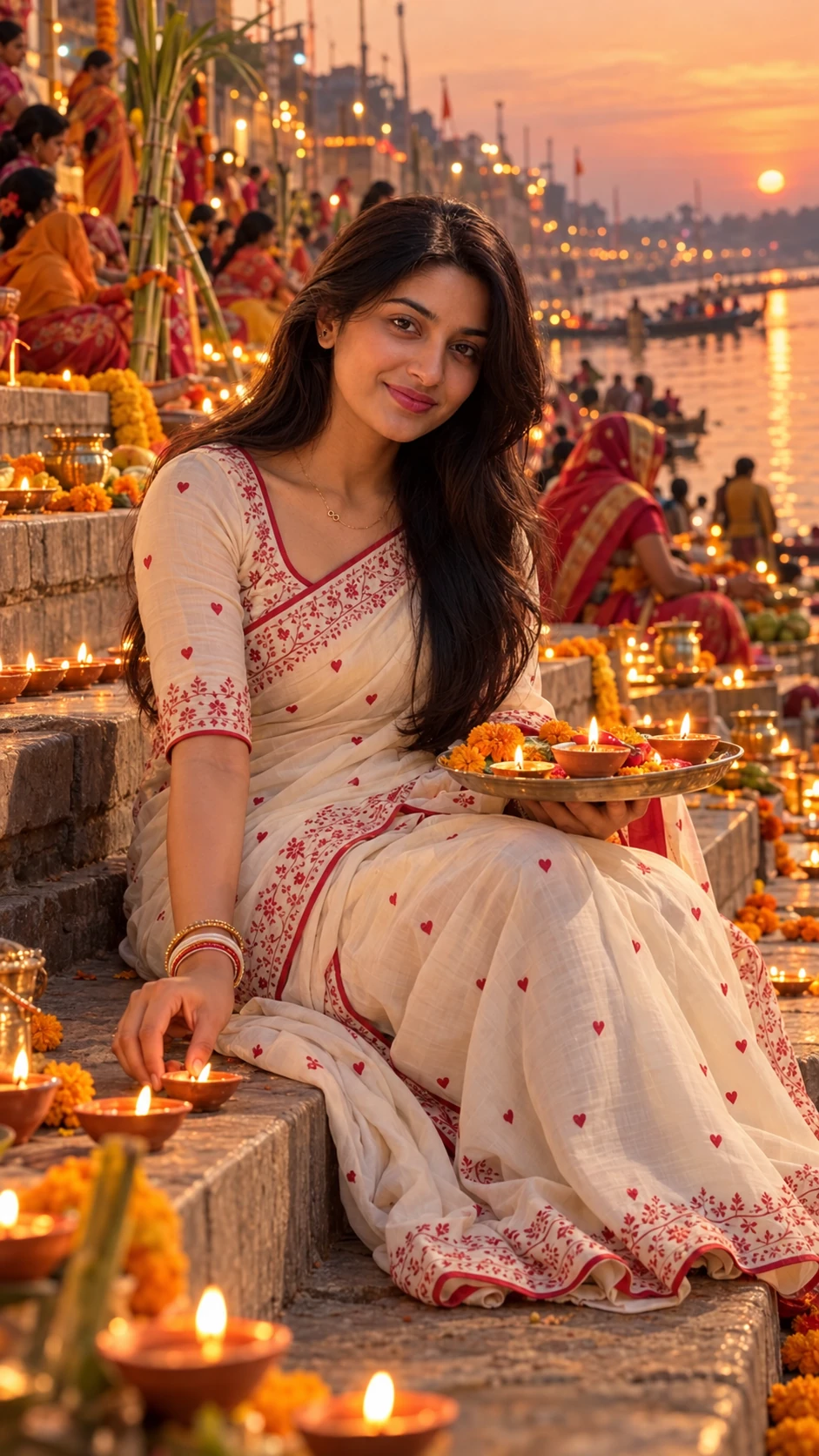
Chhath Puja Ghat Diya AI Photo Prompt for Girls